The FID Illusion is Dead
For years, we lived in a state of performance-induced complacency. We optimized for First Input Delay (FID), saw those beautiful green bars in our Search Console, and patted ourselves on the back. But deep down, we knew the truth: a site could pass FID with flying colors while still feeling like absolute sludge the moment a user tried to filter a large data set or open a complex mobile menu. FID was a 'first impressions' metric that ignored the rest of the relationship.
On March 12, 2024, Google officially pulled the rug out from under us by replacing FID with Interaction to Next Paint (INP). The shift was jarring. While initial HTTP Archive data showed over 90% of sites passed FID, barely 40% of mobile sites met the 'Good' threshold for INP. If you're seeing your performance scores tank despite 'not changing anything,' it is because Interaction to Next Paint optimization demands a fundamental shift in how we handle the browser's main thread.
Why Your Loops are Killing Your INP
The core difference in the INP vs FID debate is scope. FID only cared about the very first time a user interacted with your page. INP, however, tracks the 75th percentile of all interactions throughout the entire page lifecycle. It measures the latency from the moment a user clicks, taps, or types to the very next frame the browser paints.
The biggest silent killer of INP is the long-running task. We have all written them: that .map() or .reduce() over 5,000 items that takes 150ms to execute. In the FID era, if that happened five seconds after load, you were safe. In the INP era, if a user clicks a toggle while that loop is running, you just failed your Core Web Vitals. The main thread is occupied, the browser is blocked, and the user is left wondering if your site has crashed.
The Anatomy of an Interaction
To master web vitals performance tuning, you have to understand that INP is composed of three distinct phases:
- Input Delay: How long the interaction waits for the main thread to finish its current job.
- Processing Time: How long your event handlers take to run.
- Presentation Delay: The time it takes the browser to recalculate styles, layout, and actually paint the pixels.
On complex Single Page Applications (SPAs), presentation delay is often the hidden culprit, but it is the main thread blocking tasks occurring during the Input Delay phase that we have the most direct control over as engineers.
Enter the Looping Task Strategy: Yielding Control
The old-school way to break up a long task was the setTimeout(0) hack. By wrapping a continuation in a timeout, you technically let the browser 'breathe.' However, this approach is flawed. Not only does setTimeout introduce a minimum 4ms delay, but it also sends your task to the very back of the queue. If third-party scripts or other low-priority tasks are waiting, your critical UI update is now stuck behind a TikTok pixel and a marketing tracker.
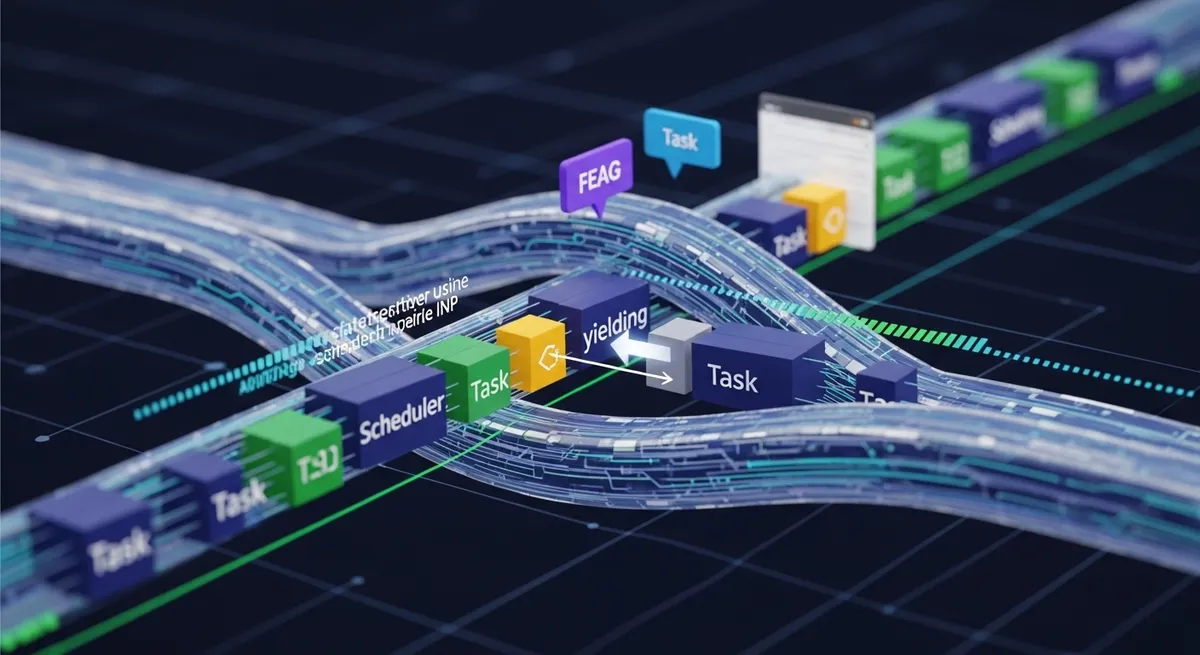
This is where the scheduler.yield() API changes the game. Introduced in Chrome 129, this API allows us to yield control to the main thread while ensuring our task continuation remains at the front of the queue. It is essentially saying: "I need to let the browser paint or handle an input, but then I want to get right back to work."
Implementing scheduler.yield
Instead of one massive, blocking block of code, we should adopt a strategy of task decomposition. Here is how you can implement a yield-aware loop:
async function processLargeData(items) {
  let i = 0;
  const start = performance.now();

  for (const item of items) {
    // Process each item
    handleItem(item);

    // Every 50ms, check if we should yield
    if (performance.now() - start > 50) {
      if ('scheduler' in window && 'yield' in window.scheduler) {
        await scheduler.yield();
      } else {
        // Fallback for Safari/Firefox
        await new Promise(resolve => setTimeout(resolve, 0));
      }
    }
  }
}
By yielding every 50ms, we ensure that the main thread is never blocked longer than the 'Good' threshold's breathing room. This is the cornerstone of effective Interaction to Next Paint optimization.
The Safari Problem and Progressive Enhancement
As of mid-2026, Safari still lacks native support for the Scheduler API. This means our performance strategies must be resilient. While a setTimeout fallback works, it doesn't preserve priority. For performance architects, this means we must be even more aggressive with task decomposition. If you can't guarantee priority inheritance, you must ensure your chunks are even smaller to minimize the impact of the 'back-of-the-line' problem.
Some developers argue that the lack of cross-browser support makes scheduler.yield less valuable. I disagree. Chrome makes up the vast majority of web traffic; optimizing for its engine isn't just 'Google-centric'—it's a pragmatic necessity for maintaining SEO and user satisfaction for the bulk of your audience.
Beyond Code: The Third-Party Problem
We can optimize our own loops until we are blue in the face, but if your site loads four different analytics suites and three social media embeds, those third-party scripts will sabotage your INP. As DebugBear points out, even clicking a non-interactive paragraph can trigger a high INP if the main thread is saturated. This is why sandboxing third-party JS or moving it to Web Workers via libraries like Partytown is no longer an 'extra credit' task; it's a requirement for passing the INP audit.
The Next Steps for Your Architecture
To truly master Interaction to Next Paint optimization, you need to stop thinking about performance as a one-time loading event. Performance is a continuous state. Every loop, every event handler, and every style recalculation is an opportunity to fail.
Start by auditing your long tasks in Chrome DevTools. Look for those red-striped blocks in the Performance tab. If a task exceeds 50ms, break it up. Adopt scheduler.yield() today, implement robust fallbacks, and stop letting long-running scripts lie to you about your site's actual responsiveness. Your users—and your Core Web Vital scores—will thank you.