The 'Shell Startup Tax' is Real, and We've Been Paying It for Decades
Stop me if you've heard this one before: a developer writes a simple automation script in Bash because it's "standard," only to spend the next four hours Googling how to properly escape a string, manage an array, or get the damn thing to run on a teammate's Windows machine. We've tried to fix this with shelljs, rimraf, and Google's zx, but these always felt like bandages on a wooden leg. You're still spawning heavy child processes, still fighting with dependencies, and still losing the performance battle.
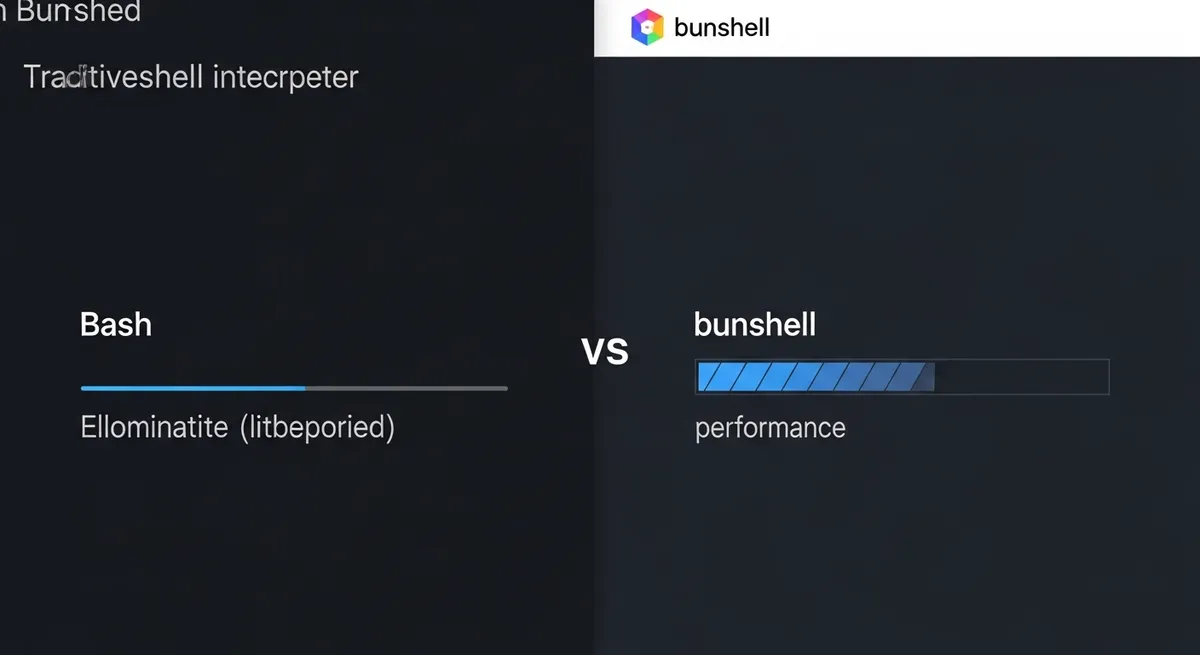
Enter the Bun shell. It isn't just another wrapper; it is a full-blown shell interpreter written in Zig, baked directly into the Bun runtime. When we look at Bun shell vs Bash, we aren't just talking about syntax sugar. We are talking about a fundamental shift in how DevOps scripts are executed, eliminating the overhead that makes traditional JavaScript-based scripting feel sluggish and brittle.
The Secret Sauce: Native Built-ins in Zig
Traditional shells like Bash or Zsh are incredibly fast at what they do, but the moment you try to use them from within a JavaScript environment, you hit a wall. Every time you call exec() or use a backtick, your OS has to spawn a new process. This is the "shell startup tax." If you're running a loop that touches hundreds of files, that ~7ms tax per process adds up to a sluggish experience that feels more like a legacy monolith than a modern toolchain.
The engineers at Bun solved this by implementing common commands like ls, cd, rm, and echo as native built-ins. According to the Bun Shell launch post, these commands run in the same process as your script. There is no fork, no exec, and no context switching overhead. In a head-to-head of Bun shell vs Bash for iterative tasks, Bun can actually feel more responsive because it bypasses the cumulative latency of the OS subshell management.
Why Cross-Platform Scripting Finally Works
If you've ever had a CI pipeline fail because someone used rm -rf in a package.json script and the runner was a Windows machine, you know the pain of cross-platform scripting. We used to solve this by installing rimraf or cross-env, which currently pull in millions of weekly downloads. It's a massive amount of bloat for functionality that should be native.
Bun's shell handles this by standardizing flags across operating systems. When you write await $`rm -rf ./dist`, Bun understands that command regardless of whether it's running on macOS, Linux, or Windows. It doesn't rely on the underlying system's rm binary; it uses its own internal Zig implementation. This makes JavaScript devops tools finally feel as portable as the code they are supposed to deploy.
The End of Shell Injection Attacks
One of the most dangerous aspects of traditional scripting is variable interpolation. If you've ever seen a script that does exec("rm -rf " + userInput), you've seen a security disaster waiting to happen. Bash doesn't protect you from yourself; if userInput is "; sudo rm -rf /", you're in trouble.
The Bun shell uses a tagged template literal (the $ function) that automatically escapes every variable you pass into it. It treats interpolated values as literal strings, not as part of the command string. This makes your scripts immune to common shell injection attacks by default. It’s a level of security that child_process.exec simply can't provide without significant manual sanitization.
Bun Shell vs Bash: Real-World Performance Comparison
Let's be clear: if you are running a single, massive grep on a 10GB file, pure Bash is still going to win. Bash is a highly optimized tool for raw command execution. However, most DevOps scripts aren't doing one big thing; they are doing a thousand small things. They are moving files, checking environment variables, and hitting APIs.
As noted by Marmelab's performance analysis, Bun shell shines when it replaces tools like zx. Because Bun is both the runtime and the shell, it allows for seamless interop. You can pipe a shell command's output directly into a JavaScript ArrayBuffer or a Response object without the memory overhead of intermediate string conversions. This Bun runtime performance advantage is what makes it a 'Bash-killer' for the modern full-stack developer.
Advanced Features for Power Users
- Globbing: Native support for recursive globs (
**/*.ts) works out of the box on all platforms. - Redirection: You can redirect
stdoutdirectly to aBun.file()or even a JavaScript variable. - Piping: Connect shell commands to JavaScript functions as if they were standard Unix pipes.
- Environment Management: Use
$.env()to manage local environment variables without polluting the global process state.
Addressing the 'Feature Creep' Elephant
Some critics argue that Bun is doing too much. With native support for SQLite, Redis, and now a custom shell, the runtime is becoming a "Swiss Army Knife" that some fear will become bloated. However, for a DevOps engineer, this consolidation is a godsend. Having a single binary that handles execution, package management, and scripting reduces the complexity of Docker images and CI environments significantly.
It is true that Bun's shell is not 100% POSIX-compliant. It’s a 'Bash-like' DSL. If you have a 20-year-old script with complex nested conditional logic and obscure shell flags, you might need to refactor. But for 99% of the tasks we perform daily—building, testing, and deploying—the trade-off for speed and safety is well worth it.
The Verdict: Should You Switch?
The comparison of Bun shell vs Bash isn't about which one is 'better' in a vacuum; it’s about which one is better for the way we build software today. If you are already in the JavaScript or TypeScript ecosystem, there is almost no reason to keep writing raw .sh files. The combination of TypeScript's type safety and Bun's execution speed provides a developer experience that traditional shells simply can't touch.
Next time you're about to npm install shelljs or spend an hour debugging a Windows-specific path issue in your CI/CD pipeline, try reaching for the Bun shell instead. Your terminal (and your sanity) will thank you.