The Puppeteer Maintenance Trap
Last Tuesday, at 3:00 AM, a single CSS class change on a major documentation site brought a production RAG pipeline to its knees. If you have spent any time building AI agents, you know the drill: your headless browser script, meticulously crafted with Playwright or Puppeteer, suddenly starts returning empty strings or, worse, a Cloudflare 403 Forbidden screen. You spend the next four hours rotating user agents and debugging selectors while your LLM sits idle, starved of data.
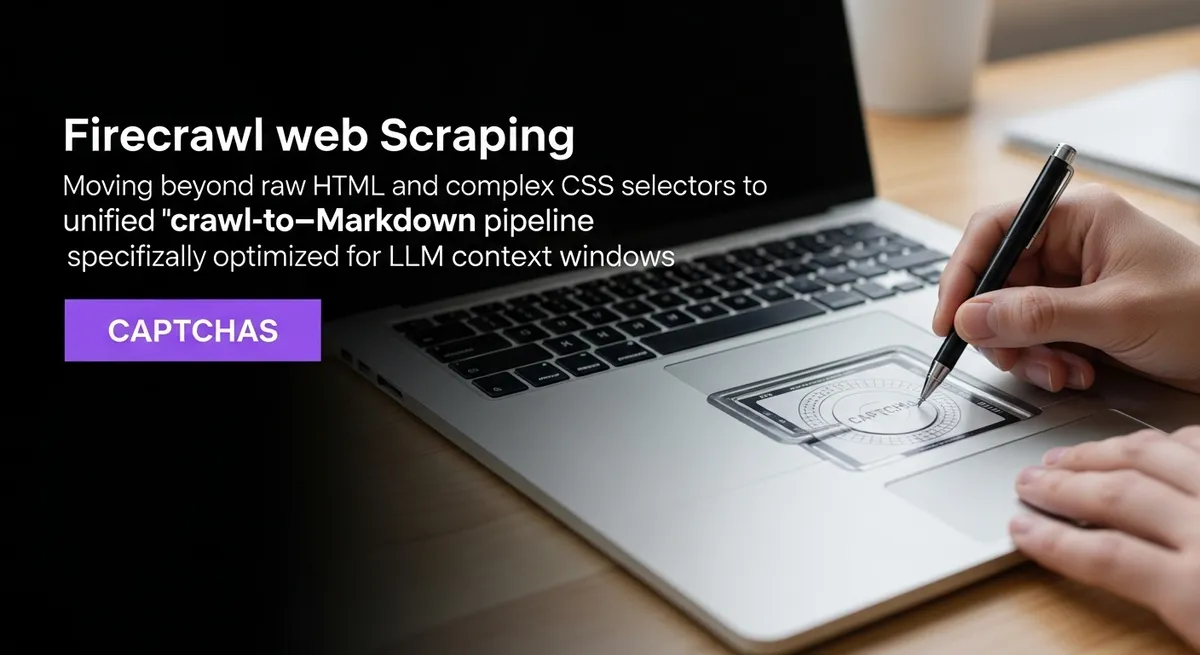
We have reached a breaking point with traditional headless browser automation. Building a scraper is easy; maintaining a scraper at scale in the era of sophisticated anti-bot shields is a full-time job. This is where Firecrawl web scraping enters the chat. It is not just another wrapper around Chromium; it is a fundamental shift toward an API-first, 'crawl-to-markdown' philosophy designed specifically for the needs of AI engineers and data scientists.
Why Raw HTML is Killing Your RAG Performance
Most developers make the mistake of feeding raw HTML directly into their vector databases. It feels efficient until you realize that 70% of that data is 'context poisoning'—the headers, footers, scripts, and navigation menus that have zero relevance to your user's query. According to research on context window poisoning, this noise is a primary driver of LLM hallucinations. When your model sees 4,000 tokens of boilerplate and only 500 tokens of actual content, the signal-to-noise ratio collapses.
Firecrawl solves this by treating the web as a structured data source rather than a visual layout. Instead of a messy DOM tree, you get clean, semantic Markdown. This transition to markdown web crawler technology ensures that every token you send to your LLM is high-value. By stripping away the debris, you are effectively extending your context window and reducing your inference costs in one fell swoop.
Infrastructure Abstraction: The 'Stripe for Web Data'
If you have ever managed a fleet of Puppeteer instances, you have dealt with the 'zombie process' nightmare—memory leaks that eat your RAM and instances that hang for no apparent reason. Building a production-ready scraping infra usually takes 2 to 4 weeks of engineering time. Firecrawl web scraping abstracts this entire mess into a single API call.
It handles the heavy lifting: headless browser management, proxy rotation, and automated CAPTCHA solving. While tools like Zack Proser's benchmarks suggest that Puppeteer offers more granular control, the maintenance cost accounts for 30-60% of build time. For most AI applications, that is 60% of your time wasted on plumbing instead of product features.
Zero-Selector Extraction and Semantic Understanding
The most brittle part of any scraper is the CSS selector. The moment a site updates from .product-price to .p-price-v2, your pipeline breaks. Firecrawl moves toward LLM data extraction by allowing for semantic, natural language prompts to identify data points. You don't tell the scraper to find the third <div>; you tell it to 'extract the pricing table and feature list.'
This 'Zero-Selector' approach is resilient to UI changes. Because Firecrawl uses LLM-based parsing under the hood (or via its structured JSON output mode), it understands the intent of the page. This is the difference between retrieval and true understanding, a trend noted in the 2025 Web Scraping Industry Report.
Performance Benchmarks That Matter
- Web Coverage: 96% coverage compared to 79% for standard Puppeteer setups.
- Latency: Average sub-second response times of 50ms for cached or optimized crawls.
- Integration Time: Approximately 5 minutes via a unified API, compared to weeks for custom infra.
- Community Trust: Over 77,000 GitHub stars and 80,000 corporate users.
The Nuance: Credit Multipliers and Sovereignty
No tool is a silver bullet, and it would be irresponsible not to mention the trade-offs. Firecrawl operates on a credit system. While basic crawls are cheap, using advanced AI-driven extraction or high-tier proxy rotation can cost 5-7x more per request. If you are scraping millions of pages daily, you need to watch out for 'billing cliffs' that can catch a scaling startup off guard.
Furthermore, there is the question of data sovereignty. Because Firecrawl is a managed service, your data passes through their infrastructure. For enterprise RAG applications with strict privacy requirements, this might be a dealbreaker. In those cases, looking at local alternatives like Crawl4AI is a valid path, though you lose the managed 'anti-bot' mastery that Firecrawl provides out of the box.
Native RAG Integrations
One of the biggest wins for Firecrawl is its ecosystem. It isn't just a standalone tool; it features native integrations with LangChain, LlamaIndex, and the Model Context Protocol (MCP). This means you can hook your web ingestion directly into your embedding pipeline with three lines of code. It effectively turns the entire live web into a searchable, structured vector store for your agents.
Final Thoughts on Firecrawl Web Scraping
The era of manual browser automation for AI is ending. We are moving toward a world where 'web data' is just another structured input, no different from a SQL database or a CSV file. If you are still spending your weekends fixing broken XPath selectors, you are falling behind. Firecrawl web scraping provides the reliability and clean output required to build truly production-grade AI agents.
Ready to stop debugging Chromium and start building features? It is time to audit your current scraping stack. If your failure logs are filled with 403 errors and timeout exceptions, give the Firecrawl API a try. Your LLM—and your devops team—will thank you.