The Manual Fetching Trap
I remember the specific moment I realized my React code was a ticking time bomb. I was building a dashboard with a search bar and a paginated table. Using a standard useEffect hook, I fetched data whenever the search query or page number changed. It seemed fine on my local machine. But as soon as we hit a high-latency connection, the UI started lying. Users would search for 'Apple', quickly change it to 'Banana', and because the first request finished after the second, the 'Apple' results would overwrite the 'Banana' ones. I had stumbled into the classic race condition nightmare.
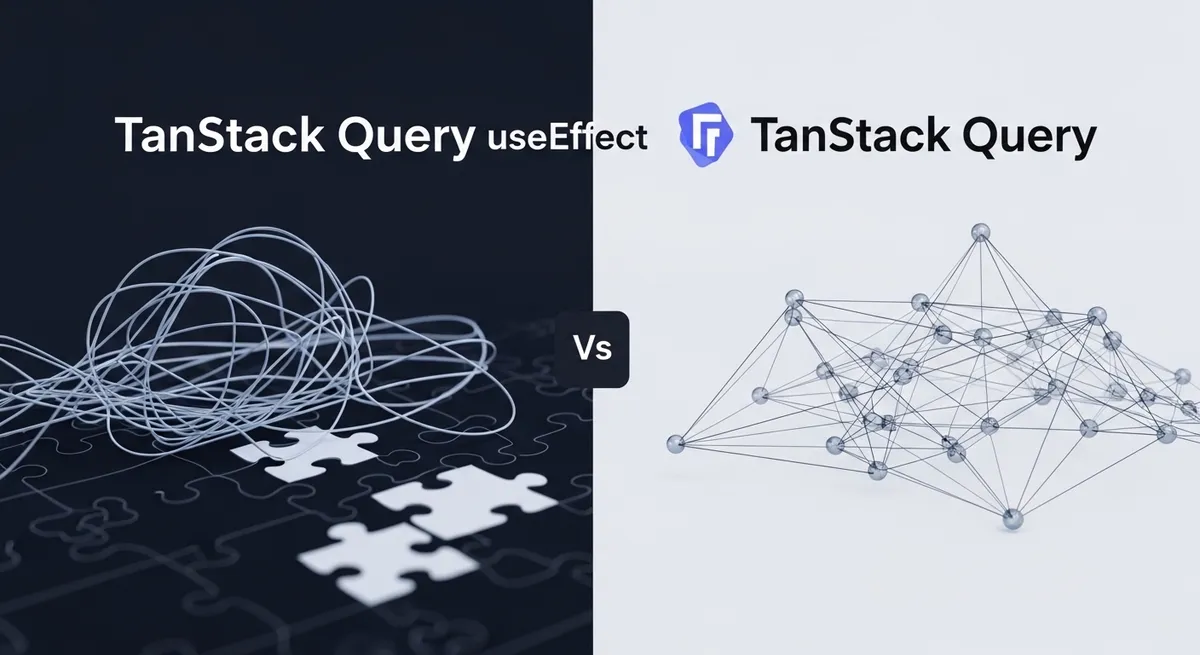
For years, TanStack Query vs useEffect has been a debate that defines a developer's transition from 'making it work' to 'making it scale.' If you are still managing your server data with a combination of useState and useEffect, you aren't just writing boilerplate; you are building a fragile sync engine from scratch. And trust me, that is a job you don't want.
Why useEffect is a Poor Fit for Data Fetching
React's official documentation now explicitly warns that writing data fetching directly in Effects makes it difficult to add optimizations like caching and server rendering. The fundamental problem is that useEffect treats server data as local state. In reality, server data is a remote cache—a snapshot of information that lives somewhere else and requires constant synchronization.
The Boildown of Boilerplate
To do a 'manual' fetch correctly, you need at least four pieces of state: data, error, isLoading, and isFetching. Then, you need an AbortController or an 'ignore' flag to handle component unmounting and race conditions. Suddenly, a simple GET request requires 30 lines of defensive code. As highlighted by Leapcell's analysis of manual fetching, this 'isMounted' logic becomes an architectural burden that developers shouldn't have to carry.
Enter TanStack Query: The Modern Sync Engine
TanStack Query (formerly React Query) isn't just a fetching library; it is a state management tool specifically designed for the asynchronous nature of the web. It treats your API as a source of truth and provides a declarative API to stay in sync with it.
Automatic Deduping and Caching
Imagine five different components on a page all needing the current user's profile. With useEffect, you'd likely trigger five network requests or be forced to lift state to a global provider like Redux or Context. TanStack Query solves this by deduping requests. If five components call the same hook simultaneously, only one network request is made. The results are then shared across all components via a centralized cache.
The Power of Stale-While-Revalidate
One of the best client-side caching strategies is 'stale-while-revalidate.' When a user navigates back to a page, TanStack Query shows the cached (stale) data immediately while fetching a fresh version in the background. This eliminates loading spinners and makes your application feel instantaneous. Implementing this with a bare useEffect is a Herculean task involving complex timestamp logic and cache invalidation strategies.
The TanStack Query vs useEffect Architectural Shift
Declarative vs. Imperative
With useEffect, you are telling React when to fetch. With TanStack Query, you are describing what data you need. This shift to declarative state management means you spend less time debugging lifecycle events and more time building features.
Built-in Resilience
What happens if the user's Wi-Fi drops for three seconds? In a manual setup, your app likely shows an error and gives up. TanStack Query includes automatic retries with exponential backoff. It also features 'refetch-on-window-focus,' so when a user switches back to your tab, the data refreshes automatically. These are the polished details that separate amateur apps from professional software.
The V5 Evolution and the 'No More Callbacks' Debate
With the release of TanStack Query v5, the library moved toward a leaner, more predictable API. One of the most controversial changes was the removal of onSuccess and onError callbacks from the useQuery hook. The team argued that these callbacks often led to 'syncing state in effects'—exactly what the library tries to prevent. While some complained about the extra few lines of code needed to trigger side effects via useEffect or global state, the result is a more type-safe and predictable architecture.
When is it Overkill?
Critics often argue that for a tiny project, adding a 13kb library is unnecessary. If you are building a single-page site that fetches one JSON file once, sure—use fetch in a useEffect. But if your app has pagination, search filters, form mutations, or data that needs to stay fresh across different views, the library pays for itself in deleted code and reduced bug reports within the first hour.
Final Thoughts on Modern Data Fetching
Moving away from manual effects isn't just about reducing lines of code; it is about adopting a mindset where server state is treated as a distinct, managed entity. The TanStack Query vs useEffect debate is effectively settled for production-grade React apps. By offloading the complexities of caching, deduping, and race conditions to a specialized engine, you free yourself to focus on the user experience rather than the plumbing.
Next time you find yourself reaching for a useState(null) to hold an API response, stop. Install TanStack Query, wrap your app in a QueryClientProvider, and start writing React Query data fetching logic that actually works at scale. Your future self (and your users) will thank you.